Ask your visitors for email and name
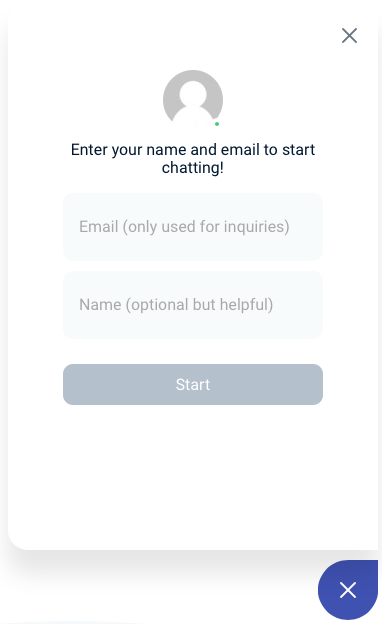
You can require users to enter their name and email prior to chatting. New visitors to your Chatlio-enabled site will first see a version of your widget that prompts them for their name and email before starting to chat. Once entered they will not be asked to enter their information again.
Here is how to enable this feature:
- Open the Chatlio dashboard.
- Select the widget for which you would like to require info.
- On the Behavior tab find the “Ask visitors to identify themselves” settings.
- Select “Prompt visitors for email and name”.
The information provided by the visitor is sent to Chatlio using the same
_identify() call that you can use yourself to send additional information
about your visitors to your Slack channel. Be aware that if you are sending
information using _identify() you should probably disable the information
prompting option to avoid overwriting the data.